"I used to lose so much content with Adobe's cropping. OmniFit's outpainting actually preserves the full frame by expanding the canvas intelligently. It's saved countless re-shoots."
Mullen L.
Content Creator
Comparison
If you are deciding between OmniFit and Adobe Video Resizer for social video formatting, this guide compares workflow speed, output readiness, and practical creator fit. This page is intentionally side-by-side so you can scan fast.
What Real Users Say
"I used to lose so much content with Adobe's cropping. OmniFit's outpainting actually preserves the full frame by expanding the canvas intelligently. It's saved countless re-shoots."
"Tested every resizer out there. None come close to OmniFit for preserving original content while adapting to different platforms. The outpainting quality is genuinely in a league of its own."
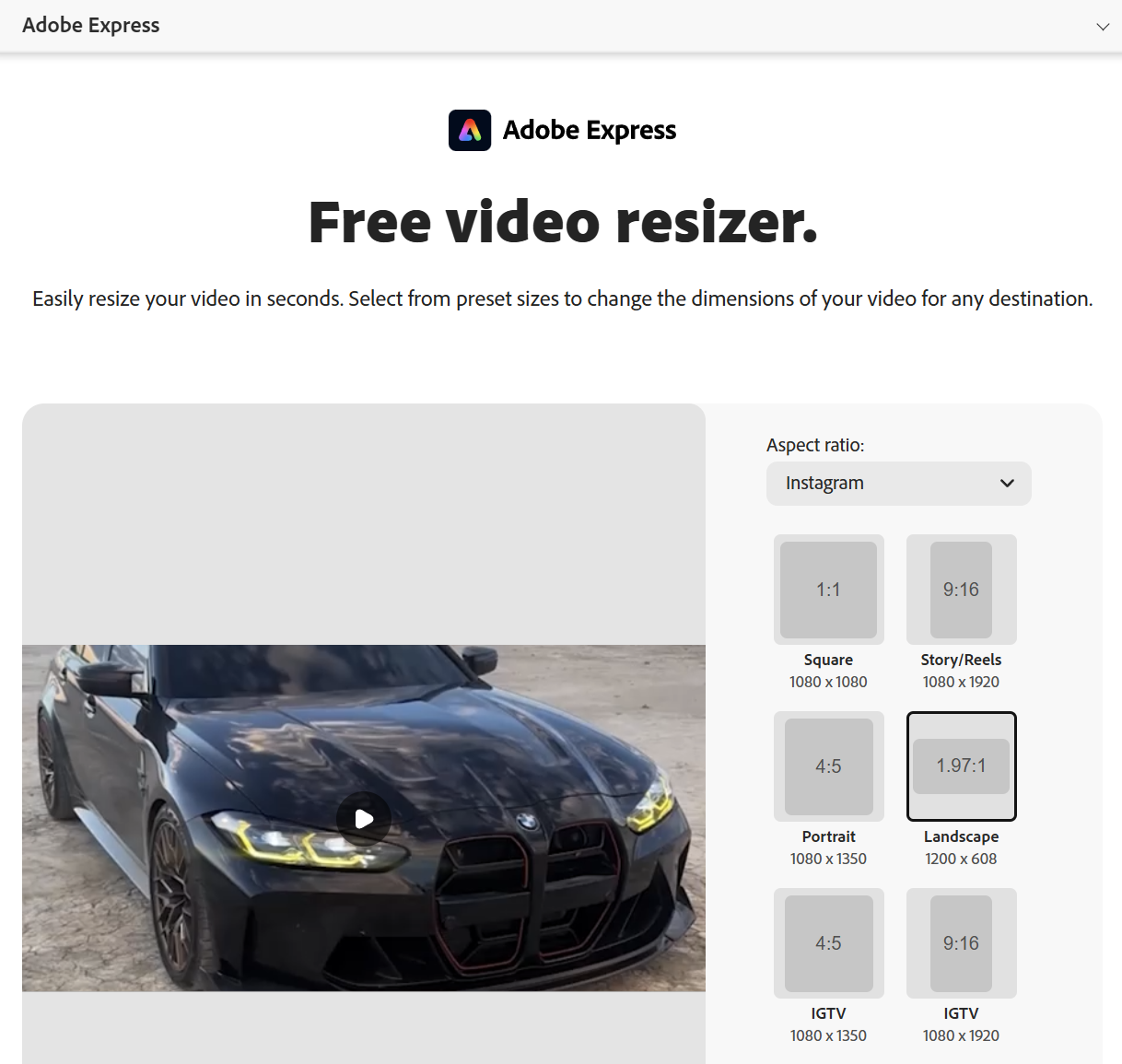
"Ran the exact same landscape resize test on both tools. OmniFit kept my subject centered and fully visible. Adobe cropped the edges away. For anyone serious about content preservation, there's no comparison."
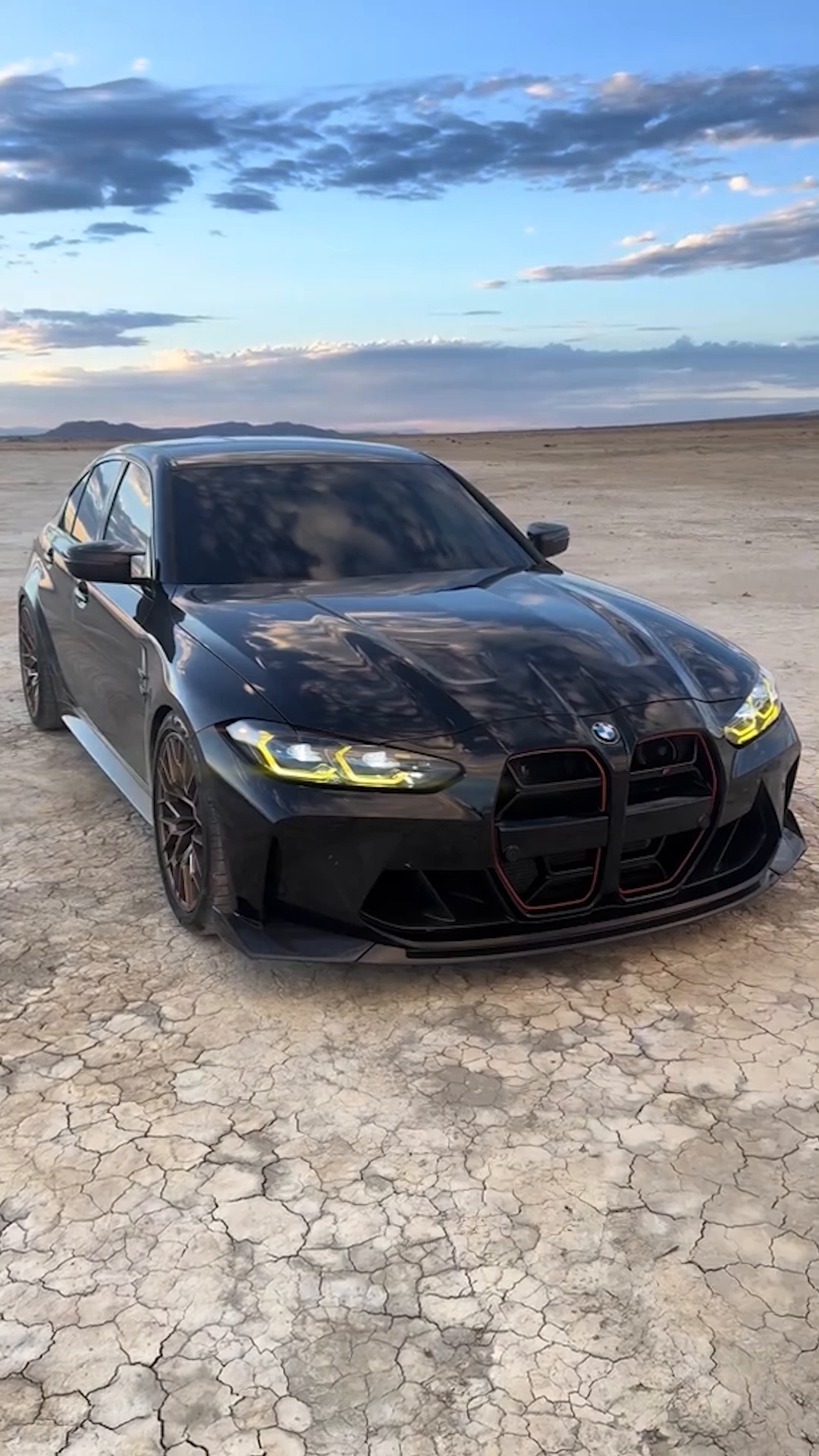
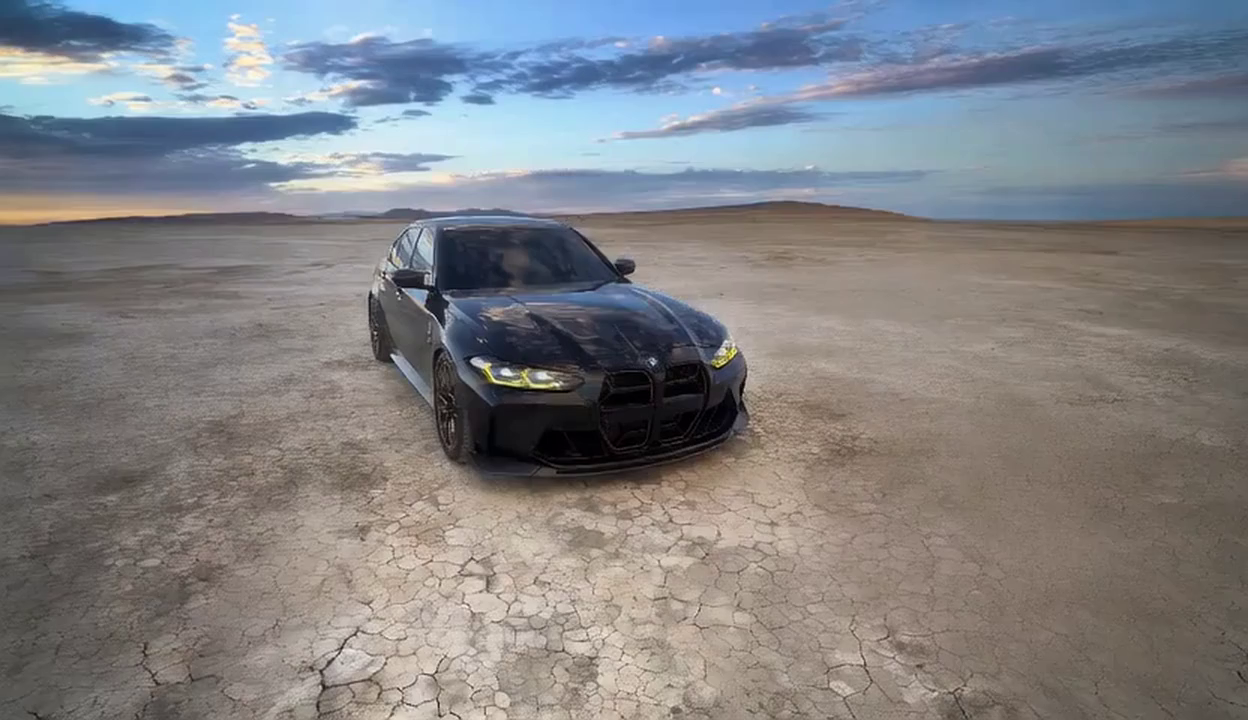
Here's what happens when you resize from vertical to landscape. Notice how OmniFit preserves your subject, while Adobe crops away the sides.
If your main goal is quick social format conversion with content preservation, OmniFit is the clear choice. Adobe tools are better if you need broader editing workflows, but they sacrifice content integrity in resizing.
Outpainting expands the canvas by intelligently generating new content at the edges—preserving your original framing instead of cropping or adding gray bars. It's the only technique that maintains full subject visibility across all aspect ratios.
Outpainting works best on videos with some "safe space" around subjects. Close-ups or edge-to-edge subjects may need manual adjustment, but the AI learns from context for natural results.
Start with the same source clip and compare output side by side.