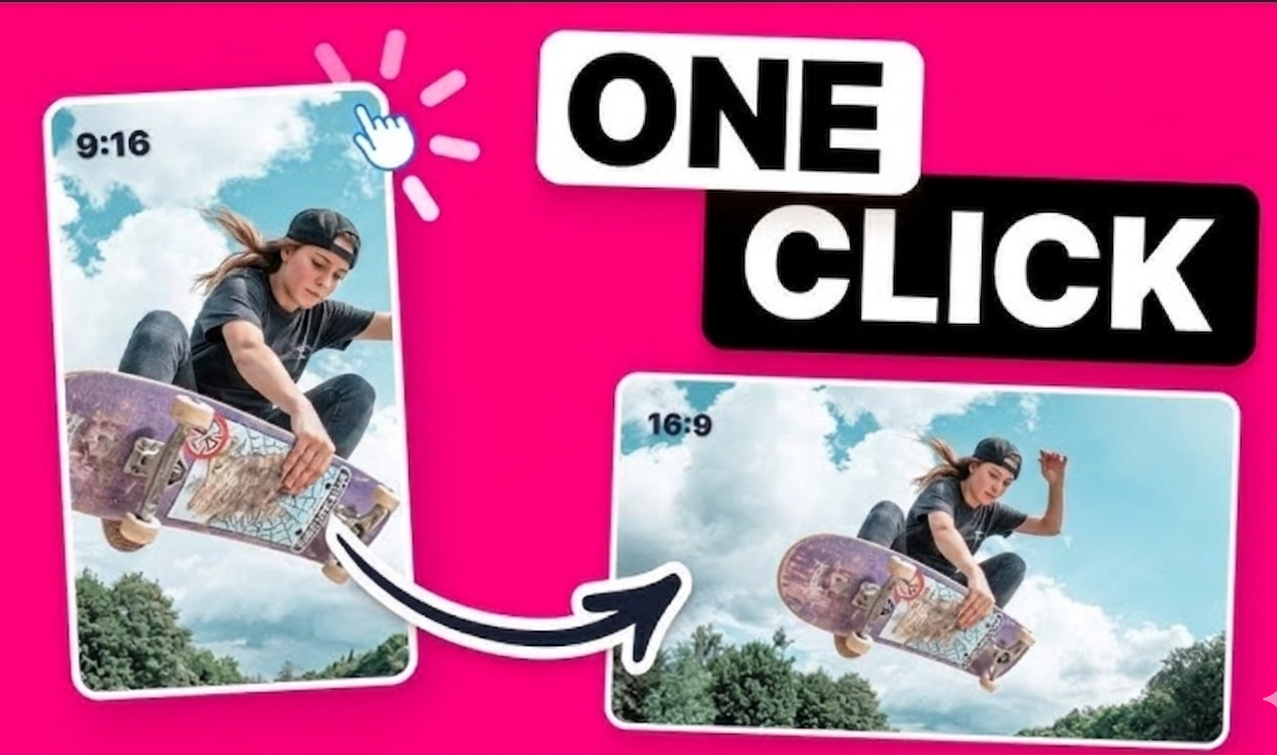
Vertical to Landscape Video Expander
Use AI outpainting to turn vertical clips into clean 16:9 landscape videos without cropping, black bars, or blur filler.
Open tool →AI Video Tools
Pick the tool that matches where your video is going. OmniFit tools help you resize, expand, and reframe clips with AI outpainting instead of forcing every platform into the same crop.
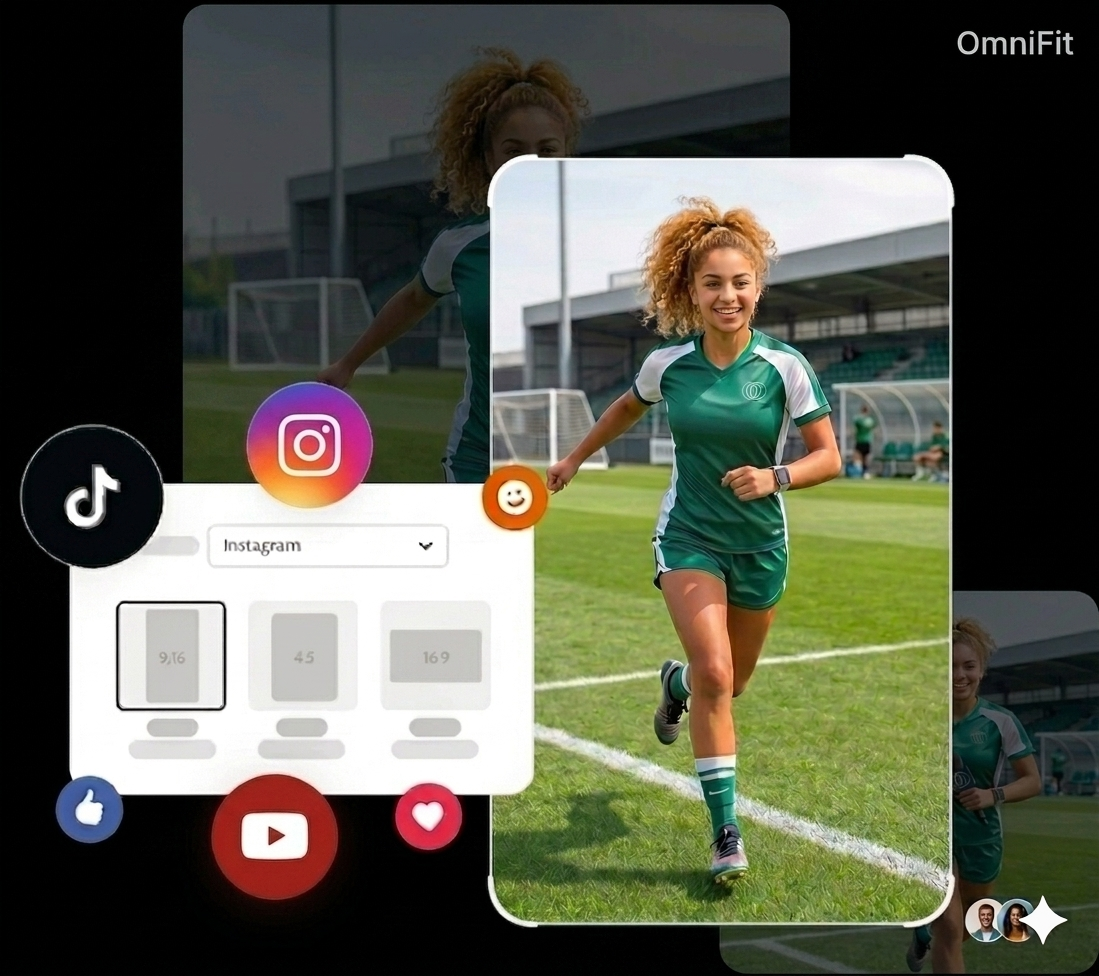
Use AI outpainting to turn vertical clips into clean 16:9 landscape videos without cropping, black bars, or blur filler.
Open tool →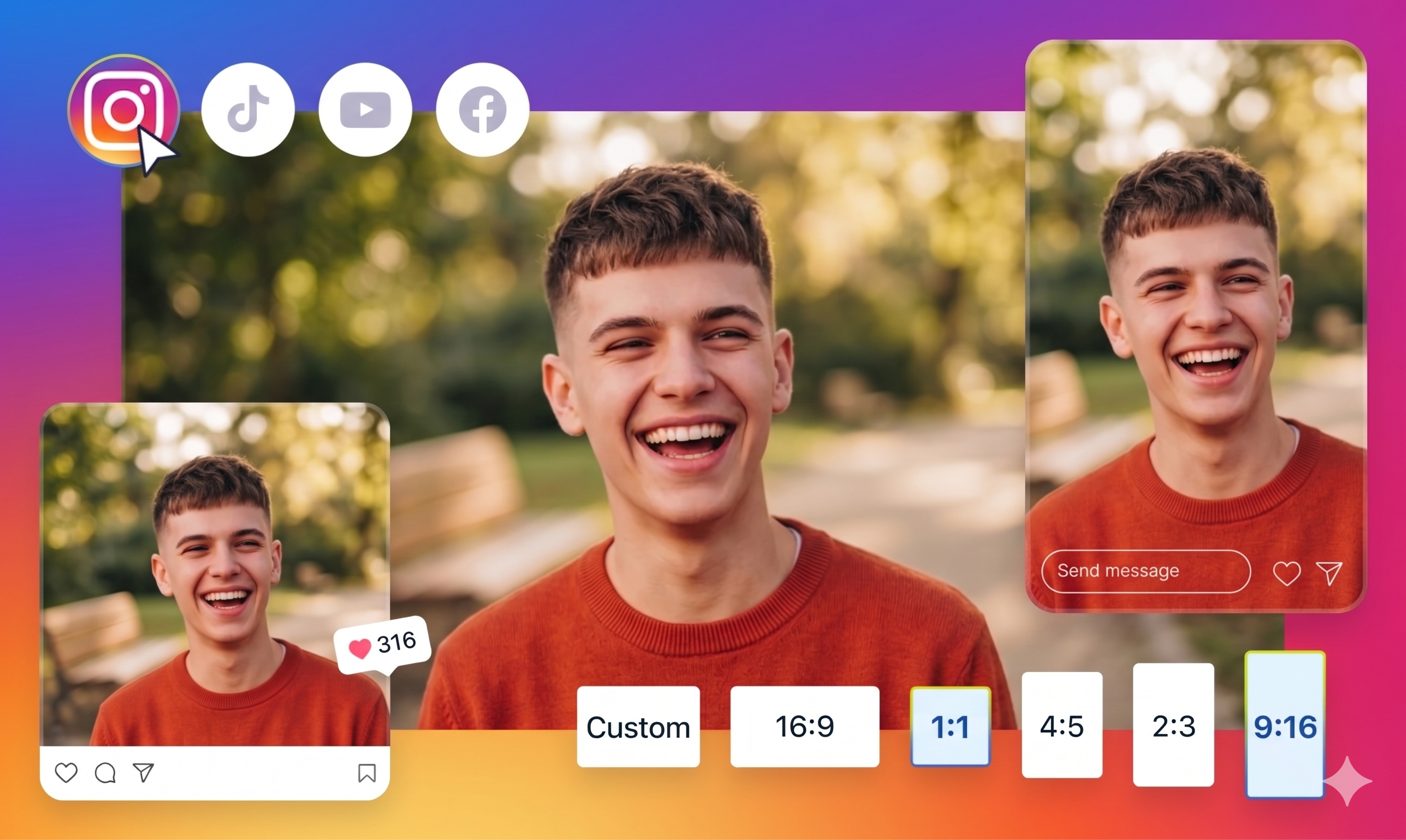
Convert landscape or vertical footage into Instagram-ready square and portrait formats with clean AI-assisted framing.
Open tool →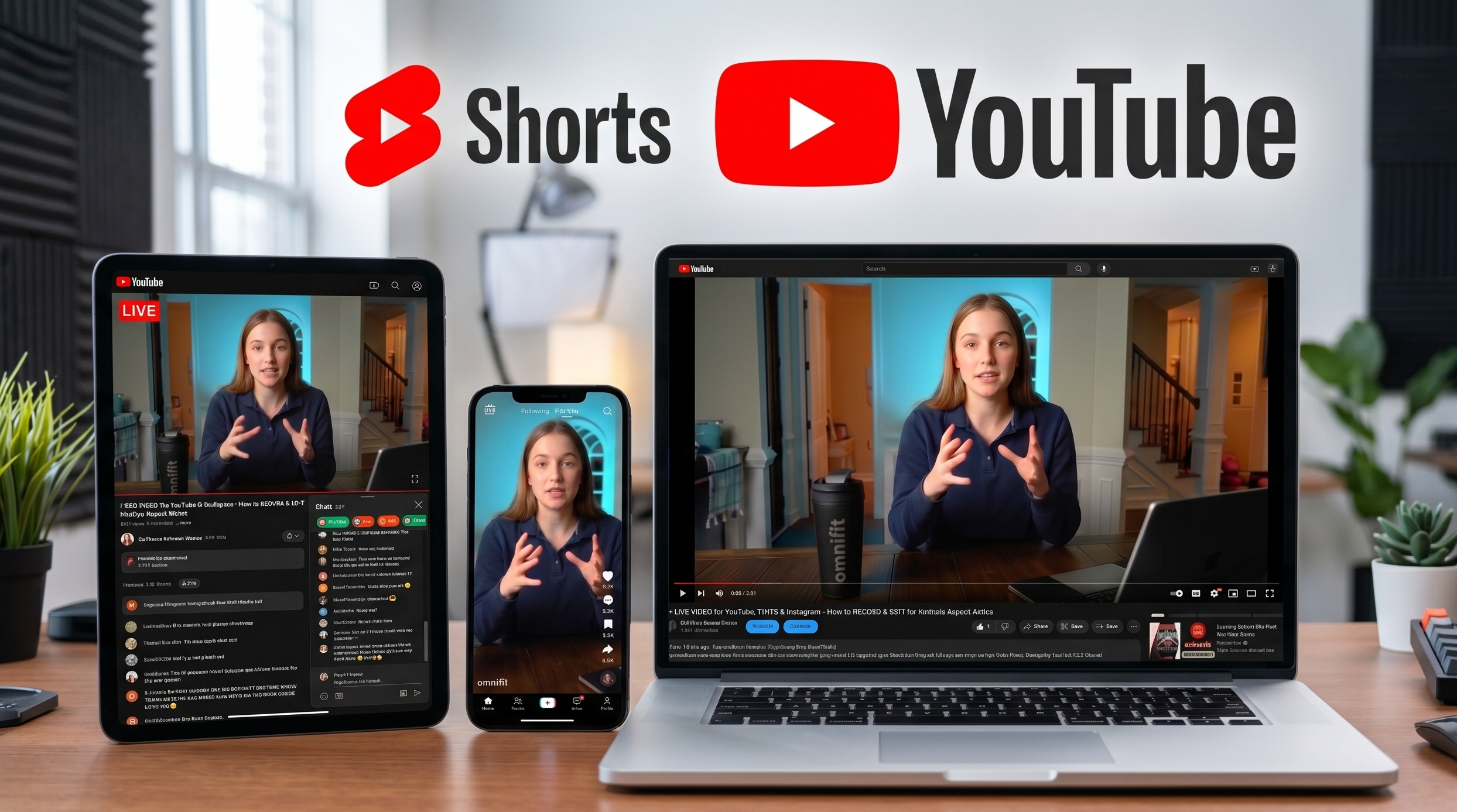
Turn vertical social clips into YouTube-friendly landscape videos while preserving the important part of the frame.
Open tool →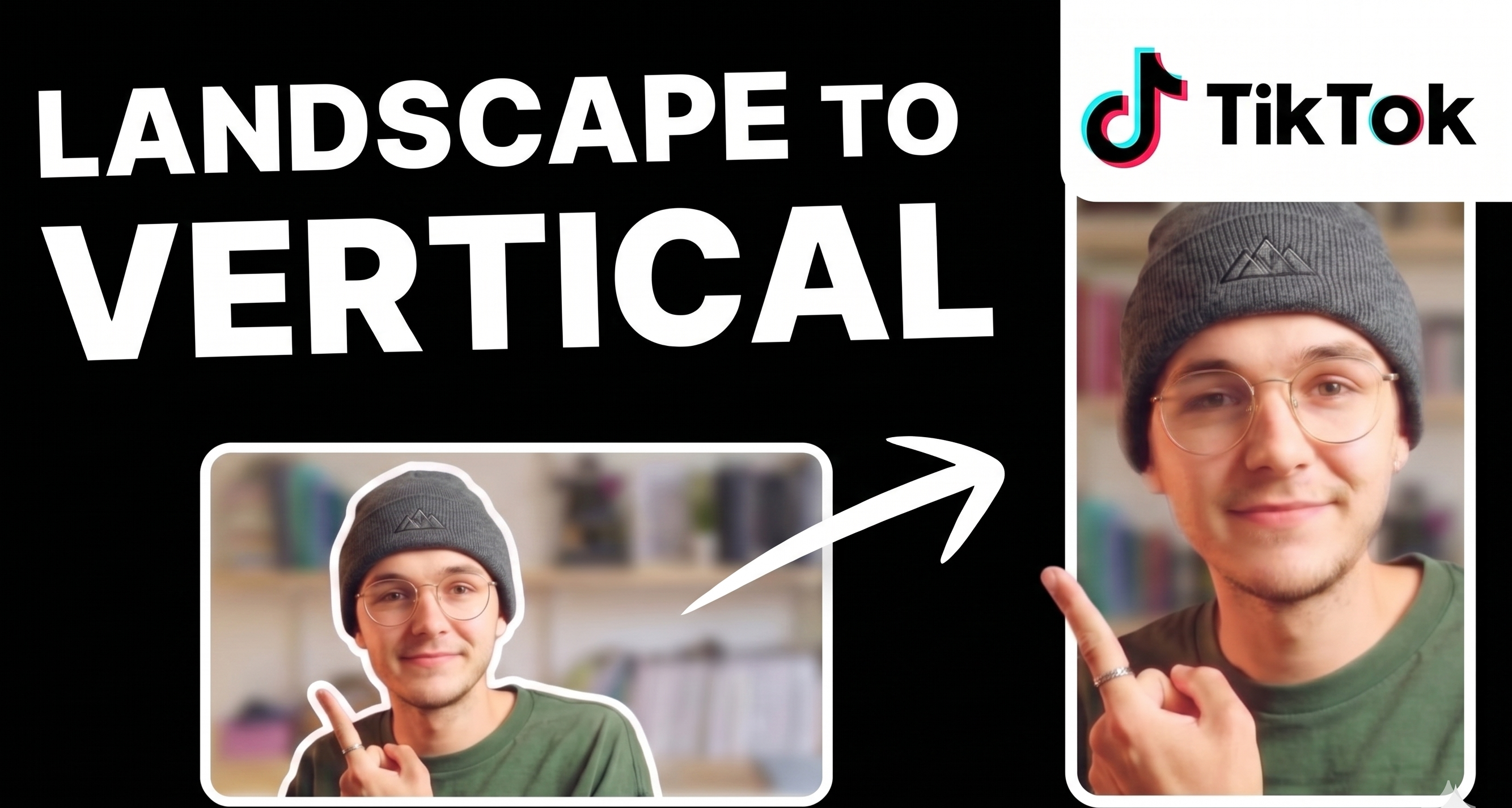
Adapt horizontal or square clips into TikTok-native 9:16 videos that feel full-screen instead of recycled.
Open tool →Read the vertical-to-landscape walkthrough to compare crop, blur background, manual editing, and AI outpainting before choosing a tool.